


HOT SALE
APPLICATION
Phone:+86-15215969856 E-Mail: 396838165@qq.com
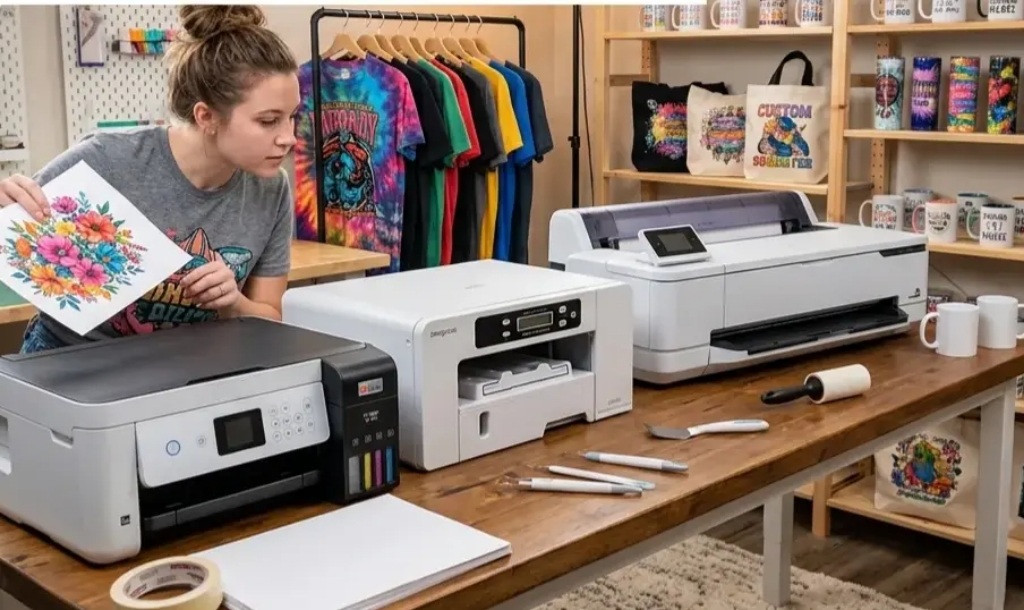
For buyers sourcing sublimation printers, the real comparison usually starts after the model name. A machine may look suitable from the product photo, but daily production depends on how fast it prints, what fabric width it can handle, and how much effort it needs to keep running. These points matter even more for distributors, textile factories, and project suppliers that need repeat orders, stable delivery, and controlled operating costs.
Why Speed, Width, and Maintenance Cost Matter in Sublimation Printer Purchasing
Speed affects daily output. In sublimation printing, it is usually shown as square meters per hour under different PASS settings. A lower PASS mode runs faster. Higher PASS settings are often used when the buyer needs safer detail, smoother color, or stricter customer approval.
Width decides the product range. Sportswear panels, fashion fabric, curtains, flags, lightbox fabric, and home textile rolls do not always use the same width. A printer that is too narrow limits orders. A printer wider than needed may take more space and raise the budget.
Maintenance cost is the quiet part of the decision. It includes printhead protection, ink supply, drying, filters, spare parts, labor skill, downtime, and technical support. A machine that looks cheaper at the quotation stage may cost more if it stops often.
What Does Printer Speed Mean for Real Production?
Basic Production Speed Fits Sampling and Small-Batch Orders
For a new printing service, an in-house sampling room, or a small sportswear supplier, top speed may not be the first requirement. Stable output, manageable operation, and enough width can matter more.
Changfa Digital’s CF-2000 is a practical basic wide-format option. Its listed speed is 105㎡/h in 2PASS, 70㎡/h in 3PASS, 55㎡/h in 4PASS, and 35㎡/h in 6PASS. This gives buyers room to use faster settings for simple graphics and slower settings for patterns that need safer color control.
This model direction suits buyers who want to start sublimation production without moving straight into a heavier setup. It can serve local garment workshops, training wear orders, small-batch printed fabric, and customer sampling before bulk approval.
Higher Speed Supports Growing Textile Printing Orders
Once order volume becomes more regular, a slower printer can hold back the whole line. Waiting time between printing, drying, and heat transfer starts to show. That is when speed becomes a commercial issue, not just a technical number.
CF-3000 is positioned for this middle stage. It is listed with 162㎡/h in 2PASS, 109㎡/h in 3PASS, and 82㎡/h in 4PASS. That extra speed can help a factory handle daily sportswear, home textile, or fashion fabric work with less schedule pressure.
For distributors, this level is often easier to sell to growing customers. The buyer already has demand but may not need a high-output production line running at full load every day.
High-Output Speed Works for Bulk and Deadline-Driven Projects
Some projects are driven by deadlines. Soft signage for exhibitions, campaign fabric, flags, banners, and long-roll textile jobs leave little room for delays.
CF-6000 is listed at 200㎡/h in 1-PASS, 110㎡/h in 2-PASS, and 75㎡/h in 3-PASS. Changfa Digital’s 5198-8 and 6198-8 models also sit in the high-speed discussion, with 1-PASS speed shown at 200㎡/h and 1800 mm-class width. These models are better discussed as production tools for factories that already know their workload.
A buyer should still check the real print requirement. Fast mode may not suit every graphic. Large solid colors, fine gradients, or customer-branded textiles may need different settings.
How Should Buyers Compare Printer Width?
1800mm-Class Printers Fit Many Standard Textile and Signage Jobs
An 1800 mm-class sublimation printer can cover many common textile and soft signage jobs. The 5198-8 and 6198-8 list a 1800 mm print dimension and 1800 mm max print width. This range can work for advertising fabrics, standard textile rolls, and garment-related printing.
1900mm-Class Printers Give More Flexibility for Wider Fabric Orders
A 1900mm-class printer gives more room for wider fabric rolls and project work. CF-2000 and CF-3000 both show a 1900 mm width class, while CF-8000, Model-xplus-8, and CF-15000 also list a 1900 mm max print width. This level is useful for home textiles, wider sportswear panels, soft signage, and display fabric.
That extra width can reduce waste for some jobs, but it should match the buyer’s heat transfer machine and paper roll supply. A wide printer does not help much if the buyer cannot source matching sublimation paper.
Paper Roll Width Should Match Printer Width
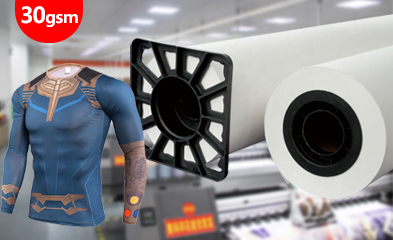
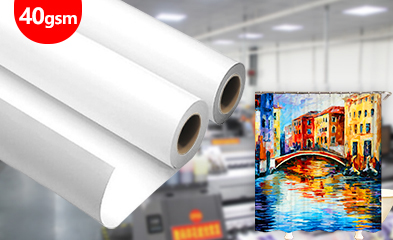
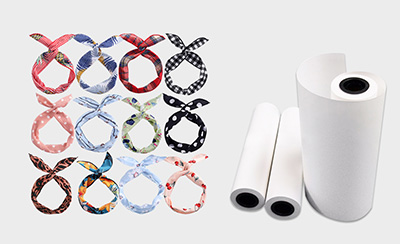
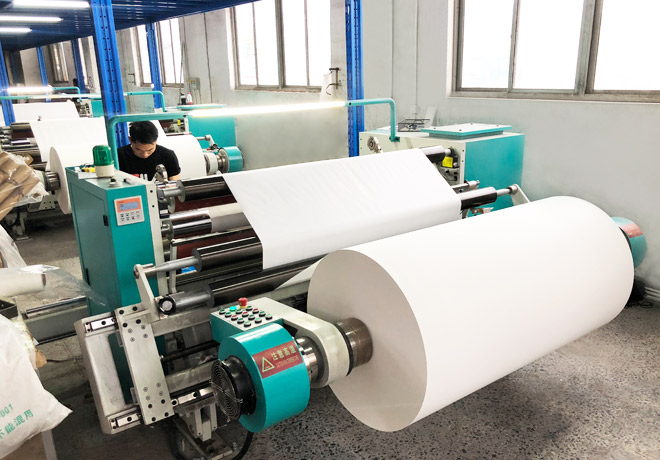
Printer width and sublimation paper width should be checked together. For bulk purchasing, common roll width, roll length, paper core, packing, and repeat supply should be confirmed early. Changfa Digital also supplies sublimation paper, sublimation ink, heat transfer machines, and tissue paper, which helps buyers discuss the full setup instead of treating the printer as a separate item.
What Maintenance Costs Should Buyers Compare?
Printer Head Quantity Affects Cost and Service Pressure
Printheads are expensive and sensitive. More heads can mean higher output, but also more cleaning, more replacement risk, and more need for trained operation.
CF-2000 uses two EPSON I3200-A1 heads. CF-3000 uses three EPSON I3200-A1 heads. CF-6000 uses six Epson 5113 heads. These differences make sense only when matched with the buyer’s order size. A small workshop may prefer a simpler setup. A bulk textile plant may accept higher service pressure for more capacity.
Ink Supply and Nozzle Protection Reduce Long-Term Risk
Maintenance cost is not only about spare parts, either. It is also about how often the printer stops. Features such as automatic cleaning, automatic moisturizing, intelligent ink shortage alarm, continuous ink supply, filters, anti-collision protection, guide rails, pressing rollers, and drying systems all help reduce daily risk.
CF-2000 includes large-capacity ink cartridges, a dish-shaped filter, an ink shortage alarm, nozzle cleaning and moisturizing, and an intelligent air-heat dryer. The CF-3000 adds a guide rail and pressing roller design. CF-6000 includes a secondary continuous ink supply, anti-collision frame, ink alarm, cleaning and moisturizing, guide rail, and pressing roller system.
Warranty and Technical Support Matter for Overseas Buyers
For overseas buyers, maintenance support can be more important than a small price difference. CF-8000, 5198-8, Model-xplus-8, and related models list online support, free spare parts, video technical support, and a 3-year warranty. This matters for distributors and project buyers. When a printer stops in a customer’s workshop, the supplier’s response speed affects local reputation.
How Should Buyers Choose Based on Customer Applications?
Apparel and Sportswear Buyers Should Balance Speed and Color Stability
Sportswear and apparel buyers should not chase speed only. Jerseys, training wear, fashion fabric, and polyester panels need color repeatability, drying stability, and clean transfer results. CF-2000 may suit sampling and smaller runs. CF-3000 is more suitable when daily output becomes regular.
Home Textile Buyers Should Focus on Width and Long-Roll Stability
Curtains, bedding fabric, shower curtains, cushions, and decorative textiles have larger visible areas. A slight feeding issue may show after transfer. Buyers should focus on 1800mm or 1900mm width, long-roll paper movement, drying, and color consistency.
Soft Signage and Project Buyers Should Focus on Output and Support
For flags, exhibition fabric, banners, and lightbox fabric, production deadlines are often fixed. Higher-output models such as CF-6000, 5198-8, or 6198-8 may be more suitable when orders are stable. Service support should be checked at the same time.
FAQ
Q1: What should buyers compare first when purchasing a sublimation printer?
A1: Start with the target application, daily output, print width, PASS setting, and maintenance ability. Price is important, but it should be checked together with printhead cost, ink supply, paper matching, spare parts, warranty, and technical support.
Q2: Can sublimation printers or related consumables be customized for distributors?
A2: Custom needs should be discussed by application and order plan. Buyers can ask about printer configuration, roll width, sublimation paper specifications, ink matching, packing style, and repeat supply. For MOQ, it is better to confirm by model, accessory, and destination market.
Q3: What installation and maintenance support should overseas buyers ask for?
A3: Buyers should ask for installation guidance, video technical support, spare parts availability, warranty scope, printhead cleaning instructions, ink system guidance, and basic troubleshooting. These items reduce downtime and make local after-sales service easier for distributors.


