


HOT SALE
APPLICATION
Phone:+86-15215969856 E-Mail: 396838165@qq.com
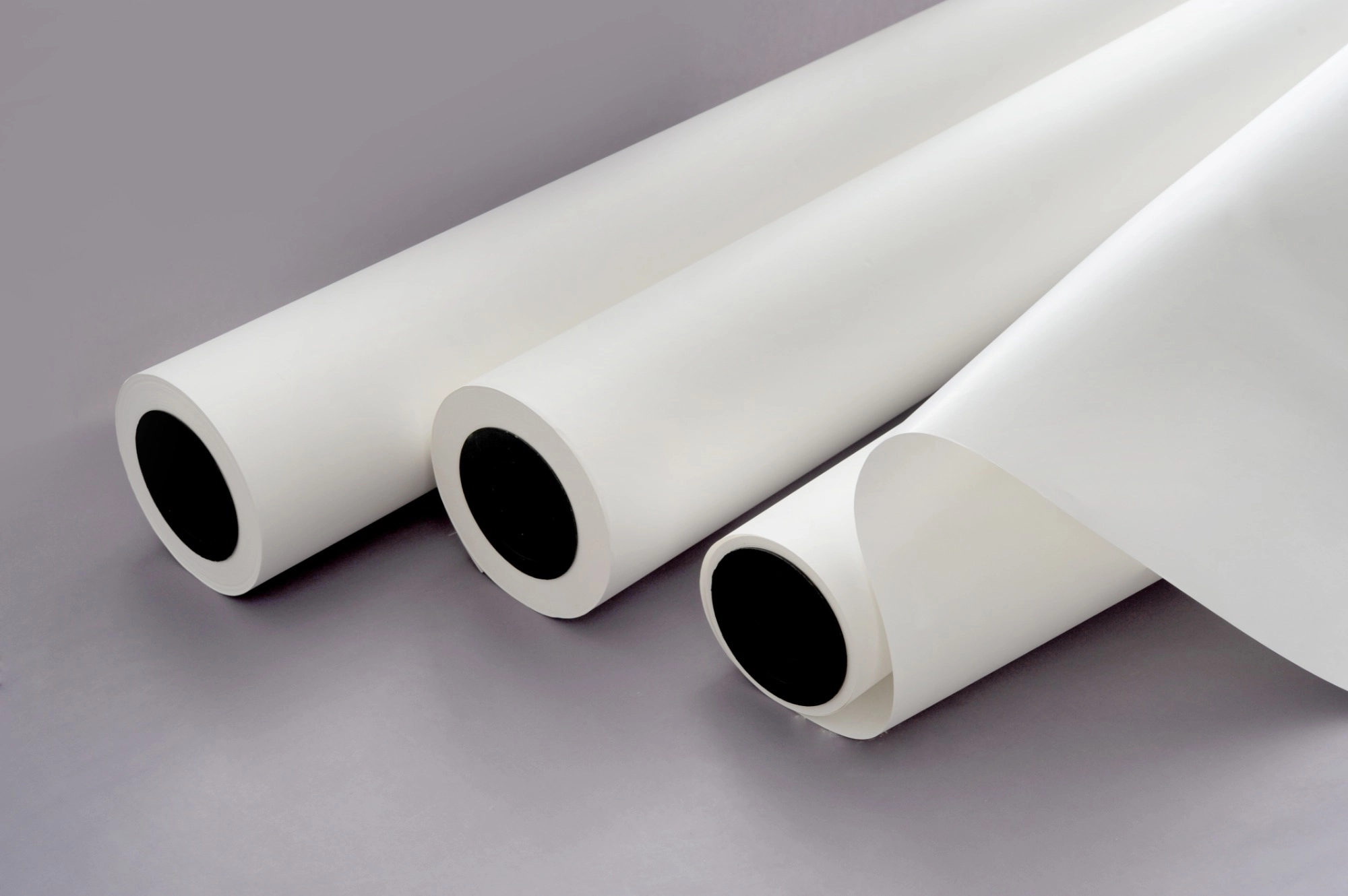
There is a sound that every digital printing operator dreads. It begins with a steady back-and-forth sound from the print arm. Then comes a sharp, upsetting scratch. That marks the moment when the print tip hits the side of your sheet. In a flash, a perfect pattern gets marked by a line of dark color. Even worse, your costly print tip could end up broken.
If your job involves digital textile printing, you face this often. Sublimation paper seems basic at first glance. It resembles regular sheets. But in truth, it is a carefully made item. This product holds liquid color without spreading. Still, when problems arise, the sheet behaves oddly. It bends at the sides, arches in the center, or gets stuck in the rollers. For those running a business, this goes beyond a small bother. It means losing cash to the trash. No matter if you make team uniforms or room items, fixing the bending problem separates good output from big troubles. Let us examine the reasons for this. More key, let us see how to end it.
The Physics Behind the Curl: Why It Happens
To fix the issue, start by checking the basic workings of the sheet. You may believe you got a faulty group of supplies. However, the truth usually ties to basic rules of nature. Dye sublimation paper forms a layered setup. It has a main layer of plant fibers and a special top layer. These parts respond in different ways to their surroundings. As a result, they build stress inside. This stress makes the even sheet twist.
Curling often links to dampness. Plant fiber layers pull in water from the air easily. The added layer, though, takes in dampness at another speed. So, when the base grows from wetness but the top stays firm—or the other way around—the sheet must shift. It bends into that unwanted “U-form” or “n-form” shape. This hits your print tips hard.
The Battle Between Coating and Base Paper
Picture a two-metal piece from older heat controls. Heat makes one side grow quicker than the other. That bends the whole strip. Your sublimation transfer paper follows the same idea. The top layer holds lots of color well. But it sets up a block.
Papers with thick tops but bare backs lack balance. When such a sheet meets the machine’s warmer, dampness leaves the open side faster than the covered one. The back threads pull tight quickly. They lift the sides up. That explains why bending shows up right in the printing step. It happens as the sheet moves past the warm base.
How Moisture Content Affects Rigidity
Paper has a “memory.” If one rests in a storage spot at 80% damp level, then moves to a work area at 30%, it reacts badly. The outer parts dry first since they face the air. The inner roll stays wet longer.
This gap leads to “tight sides” or “wavy sides.” When you load such uneven sheets into the device, the pull system fails to keep them even. The sheet has twisted in shape already. Good sublimation paper manufacturer firms aim for 5% to 6% dampness at their plants. But after the roll ships out and the wrap opens, changes begin. Too much water makes the sheet soft. It loses the firmness to lie flat under the tips.
Environmental Enemies: Temperature & Humidity Control
We cannot blame the paper for everything. In my experience visiting print shops, the number one culprit for head strikes is the environment. You can buy the most premium sublimation paper in the world, but if your print room feels like a sauna or a desert, you will have problems. The relationship between the air in your room and your paper is the single most critical factor in smooth production. If the air is wet, the paper gets wet. If the air is dry, the paper dries out. Controlling this exchange is the secret to flat, trouble-free printing.
The Ideal Printing Climate
So, what are the magic numbers? For common transfer sublimation tasks, set the warmth from 20°C to 25°C (68°F – 77°F). But dampness level (RH) matters most. Aim to hold your space at 45% to 55% RH.
Below 40% RH, electric charge builds. That charge draws the sheet toward the tip board like a pull. Above 60% RH, the sheet takes in water too quickly. Fibers grow, and sides bend up or down based on the top layer. Get a simple dampness reader. It costs little but saves much on broken parts. For dry spots, add wet makers. For damp ones, use dryers all day.
Proper Storage Before Printing
Often, the damage is done before the roll even touches the printer. I have seen operators leave rolls standing vertically on a concrete floor or leaning against a cold wall. This is a recipe for disaster. Concrete holds moisture, which migrates into the end of the roll, causing the bottom few inches to swell while the top stays dry.
As a reputable sublimation paper supplier would advise, always store your paper horizontally on a pallet or rack, off the floor. But here is the pro tip: “Acclimatize” your media. Do not take a roll from a cold warehouse and immediately load it into a warm printer. Bring the roll into the print room at least 24 hours before you plan to print. Let it sit in its box to adjust to the room’s temperature.
Printer Settings and Hardware Adjustments
Sometimes the environment is perfect, and the paper is high quality, yet the crash still happens. This brings us to the machine itself. Modern wide-format printers are powerful beasts, but they need to be tamed. The interaction between the machine’s mechanics and the sublimation news often overlooks the physical handling of the media.
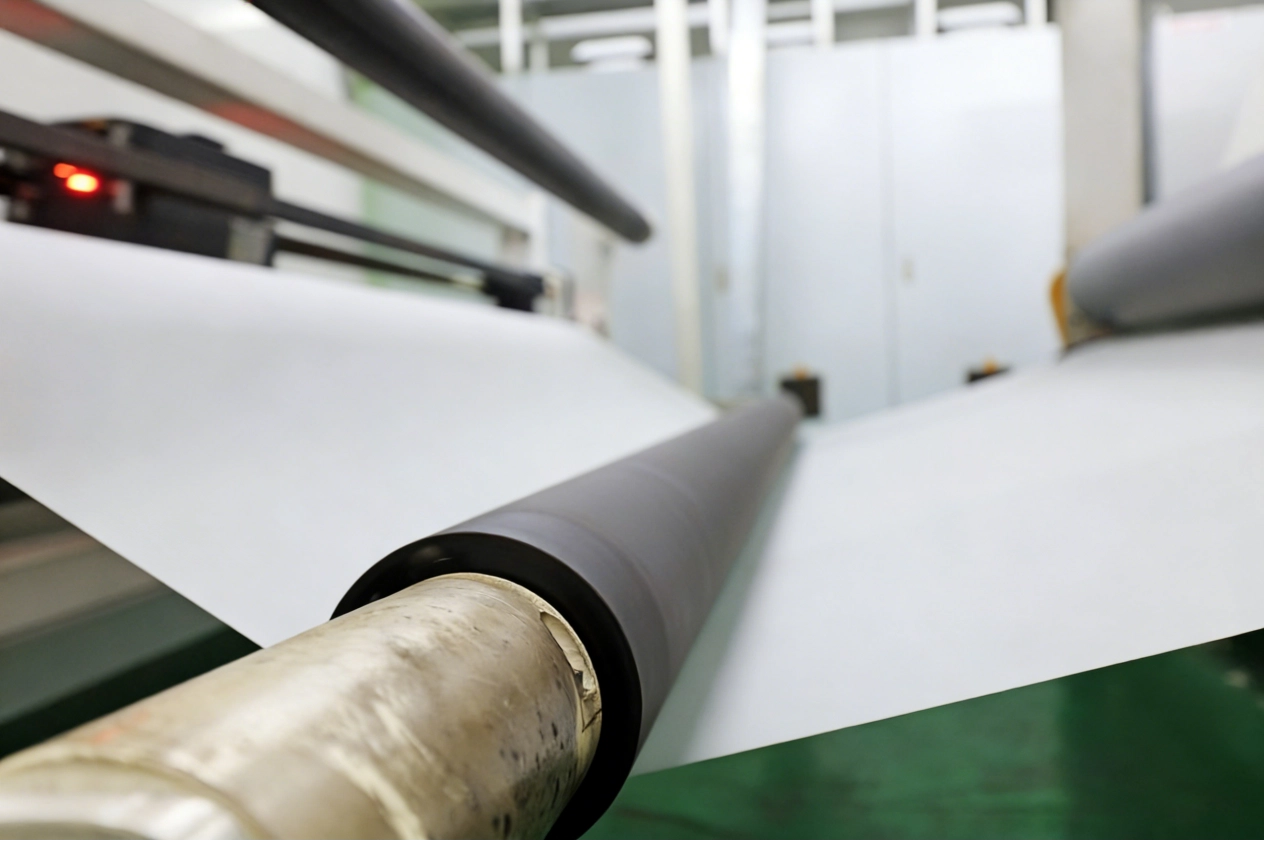
Your printer is fighting a tug-of-war with the paper. The vacuum pulls it down; the heaters cook it; the pinch rollers push it forward. If these forces are not balanced, the paper will buckle. You need to stop using “default” settings and start tuning your machine for the specific media you are running.
Adjusting Vacuum Strength and Platen Gap
Most industrial dye sublimation printers have an adjustable vacuum table. This fan sucks the paper flat against the platen. The logic seems simple: if the paper is curling, turn the vacuum up to 100%, right? Wrong.
If the vacuum is too strong, it can actually pull the paper into the small holes of the platen, creating a texture that disrupts the print. Worse, it can create so much drag that the feed motor struggles to push the paper, causing it to bubble up in the print zone. You want the lowest vacuum setting that still keeps the paper flat.
Similarly, check your platen gap (head height). If you are struggling with a specific batch of sublimation transfer paper that has a slight curl, raise the print heads. Moving from a ‘Low’ to a ‘Middle’ or ‘High’ setting gives you a safety buffer. You might lose a tiny bit of sharpness, but that is better than destroying a $2,000 print head.
Ink Load Management
Heavy ink loads are a major cause of wet cockling (rippling). When you dump 300% total ink coverage onto a thin paper, you are essentially soaking it in water. The paper expands rapidly where the ink lands, while the dry areas stay put. This creates hills and valleys that the print head can clip.
If you are seeing this, check your RIP software. You might be putting down more ink than necessary. Reducing the ink limit by even 10% can significantly flatten the paper without visibly affecting the color vibrancy on the final fabric. Check the dry warmth too. Over 50°C in printing dries color quick. It makes the sheet twist hard. Set to 40-45°C. That lets the paper settle.
Choose the Right Sublimation Paper Manufacturer
At the end of the day, you can control your room and tune your printer, but you cannot fix a fundamentally flawed product. The raw material matters. Not all paper is created equal, and in the competitive world of digital textile printing, cutting costs on paper often leads to higher costs in wasted production time. Finding a partner rather than just a vendor is crucial. A serious sublimation paper manufacturer understands that runnability is just as important as transfer rate.
The Importance of Anti-Curl Coatings
This is where the science of papermaking shines. To stop the “bi-metal strip” effect I mentioned earlier, premium papers utilize a functional back coating. This isn’t just about making the back look pretty; it is a counter-balance.
At Changfa Digital, we engineer our sublimation paper with a specialized back-coating layer that balances the tension of the front coating. This means that when heat is applied, both sides of the paper react similarly, keeping the sheet flat. We call this “lay-flat” technology. Whether you are printing high-saturation jerseys or fine-detail fashion, using a paper with inherent stability removes the variable of curling from your production equation. It allows you to run faster speeds without hovering over the “pause” button.
Matching Paper Weight to Ink Load
A usual error is picking papers too light for the task. A 40gsm paper suits quick style work with simple patterns. But for deep, full black areas, it fills up and bends.
Link the GSM (grams per square meter) to your needs. For big color, use a 70gsm or 100gsm sheet. It gives the strength to hold the wet load. A solid sublimation paper supplier provides options and guides the fit. Avoid pushing light sheets for heavy work.
Conclusion
Battling with curling paper is a frustration that no print operator should have to accept as “normal.” It slows down your production, wastes expensive ink, and puts your hardware at risk. By understanding the physics of moisture, strictly controlling your print room’s climate, and fine-tuning your printer’s vacuum and heat settings, you can eliminate 90% of these issues.
However, the final piece of the puzzle is the paper itself. You need a substrate that is engineered to stay flat under pressure. This is where Changfa Digital excels. We don’t just sell paper; we provide a solution for stable, high-speed printing. If you are tired of babysitting your printer and want to experience the difference that a balanced, anti-curl sublimation paper can make, contact our team today at 396838165@qq.com. Let’s get your production line running smoothly, fast, and flat.


