



Phone:+86-15215969856 E-Mail: 396838165@qq.com
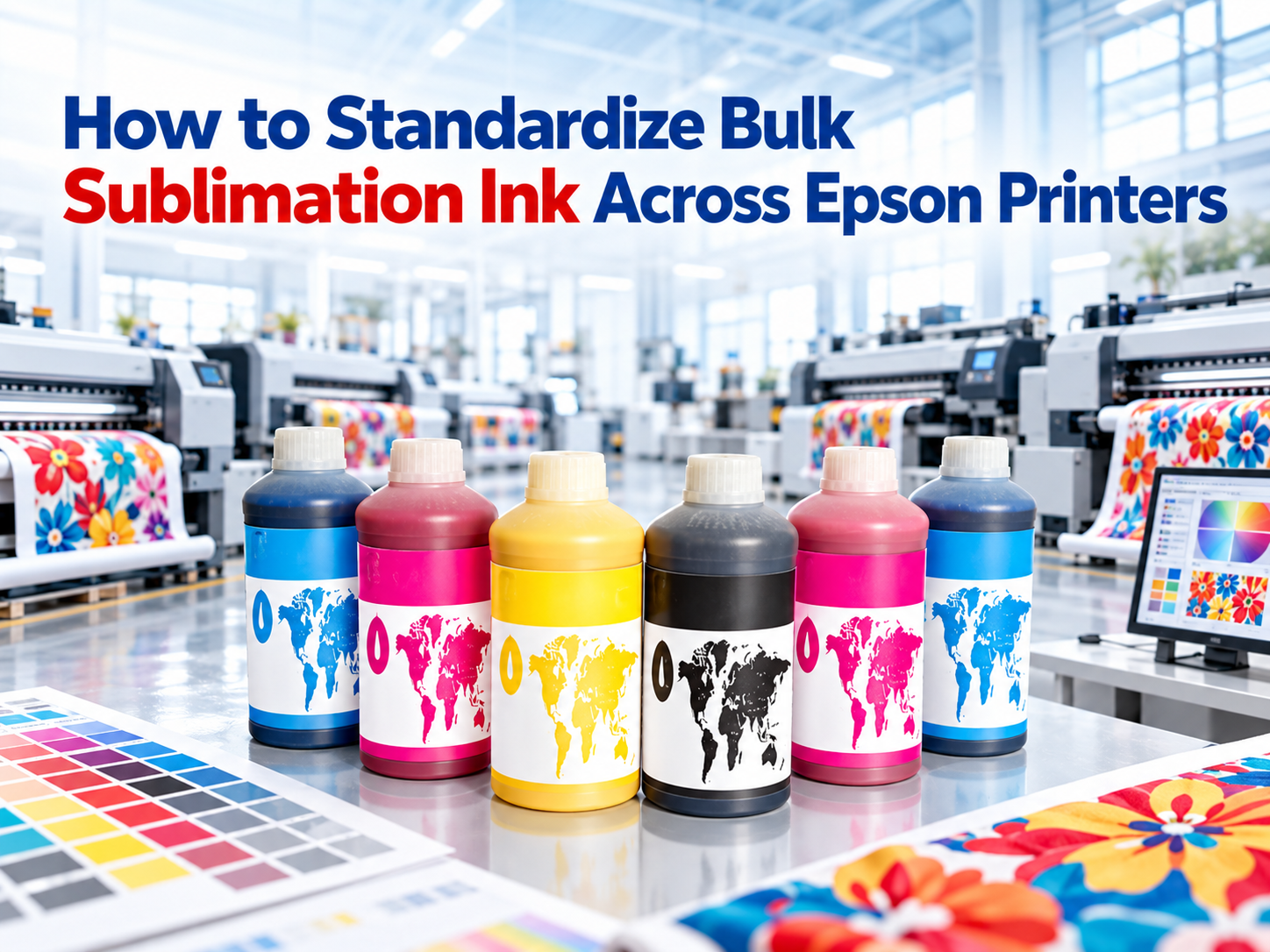
A workshop can add a second, third, or fourth Epson printer and still use one ink purchasing decision. The intention is reasonable: fewer bottles, fewer colours, and a simpler stock position. The risk appears when the printers do not share the same ink path, duty cycle, colour profile, or maintenance rhythm.
Bulk purchasing is not the same as fleet standardization. The useful goal is to define which printers can share a bulk sublimation ink programme and how that decision will be verified across daily production.
Define What Standardization Means in a Printer Fleet
Same Ink Does Not Mean Same Behaviour
Two Epson printers can accept the same dye sublimation ink family and still produce different results. A desktop model may run short jobs with long pauses, while a wide-format production machine runs continuously with a different printhead configuration and ink demand. The ink has to remain stable through both patterns.
Purchasing one colour set does not remove those differences. The workshop still needs to manage colour profiles, nozzle condition, capping, cleaning, ink age, and the fabric or transfer paper used in each line. Standardization means controlling those variables as a group, not pretending they disappear.
Group Printers by Ink Path and Duty Cycle
For buyers comparing sublimation ink for Epson models, a practical fleet map begins with the printer model, printhead, ink-delivery path, typical daily run time, and job size. Group machines that operate in a similar way. A group can share a qualification test and a purchasing plan without forcing every machine into the same colour profile or maintenance interval.
This is especially important when the shop uses both entry-level and production Epson equipment. A programme for sublimation ink for Epson printers still has to respect those differences. The shorter `epson sublimation ink` label describes a broad category. The production decision needs the actual printer, head, ink series, paper, and fabric to be stated together.
Qualify Ink With a Fleet Test, Not a Bottle Test
Print the Same Test Image on Every Machine
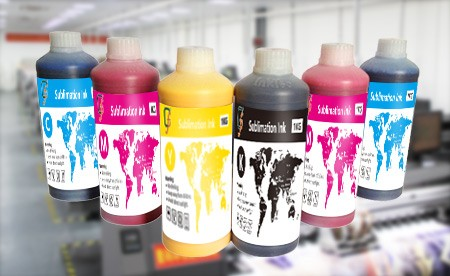
Build one test file with solid colours, gradients, fine lines, black coverage, and a skin-tone or neutral area. The dye sublimation ink has to hold that range across every machine in the group. Print it through every machine in the proposed group. Keep paper and fabric consistent where possible, then record the profile and print settings for each machine.
The purpose is not to force identical colour from different hardware. The epson sublimation ink programme still has to survive each machine’s pause pattern, maintenance cycle, and production speed. It is to see whether one `bulk sublimation ink` maintains a manageable operating window across the fleet. If a machine loses nozzle stability, dries during pause, or needs repeated cleaning, it may belong in a different group.
Check Flow, Colour, and Waste Across Repeated Runs
One successful test print is not enough. Run the same file at the start, middle, and end of a normal production period. Compare nozzle checks, ink flow, colour density, transfer result, cleaning frequency, and waste. A change across a long run matters more than a perfect first sheet.
The workshop should also test pause and restart behaviour. A printer that sits idle over lunch or overnight may reveal ink-drying or settling issues that a continuous test hides. A bulk programme is only useful if the ink can return to production without adding a new maintenance problem.
Keep a Lot and Profile Record
Every bulk lot should have a record that connects the supplier, delivery date, ink series, opening date, printer group, profile version, and approved sample. This does not need to be complicated. A controlled sheet or digital log prevents a future colour discussion from starting without evidence.
When a lot changes, compare the new bottle with the previous approved sample before replacing the whole fleet. If the colour shifts, the shop can decide whether to adjust the profile or keep the lot for a less colour-critical job. That is a production decision, not a reason to mix old and new ink without a record.
Control Bulk Supply Without Locking the Business In
Validate Supplier Continuity
A sublimation ink supplier should explain the series, packaging, compatibility boundary, and expected lead time without forcing the buyer to guess. The same sublimation ink supplier should also describe how a repeat order is kept consistent. Ask how a repeat order is kept consistent, how a quality issue is handled, and what information is required to confirm the correct series.
The supplier should also understand the difference between a sample and a production programme. A small bottle may prove that the ink works. A bulk plan has to prove that the same specification can arrive on time and remain stable across several lots.
Stage a Change Instead of Switching Overnight
Do not drain every printer on the same day and assume the fleet will settle together. Move one approved machine or printer group at a time. Keep the old and new supply separated, record the change date, and compare colour and maintenance performance before expanding the change.
A staged change gives the workshop a rollback path and limits the number of variables in one trial. It also makes the final decision more credible. If one group performs well, the same ink programme can be extended with evidence instead of optimism.
Where Changfa Digital’s Ink Range Fits
Match the Series to the Printer and Production Job
チャンファ デジタル lists the 1962シリーズ CMYK昇華インク as a starting point for digital textile printing. The correct starting point is the printer and printhead, not the lowest price per litre.
A workshop can send the printer list, printhead type, current ink, paper, fabric, daily run time, colour target, and current maintenance problem. That information lets the discussion move toward a series qualification instead of a generic ink recommendation.
Use a Written Qualification Sheet
Keep one page per printer group with the approved ink, profile, paper, fabric, transfer condition, sample date, and reviewer. Add the supplier contact and lot reference. The sheet gives the purchasing team a simple way to protect the production result when staff or suppliers change.
The strongest bulk programme is not the one with the fewest SKUs. The stronger programme maintains predictable colour, flow, and maintenance across the machines that actually share a process. Standardize the group, then buy in bulk.
結論
Bulk sublimation ink becomes a fleet decision when several Epson printers are expected to share a purchasing and colour programme. Group the machines by ink path and duty cycle, qualify each group with a repeated production test, and keep a record of the ink lot, profile, paper, fabric, and approved sample. A supplier conversation should include the printer list and the failure mode, not only the bottle size. Move one group at a time so the workshop can compare flow, colour, maintenance, and waste before expanding the change. Changfa Digital’s ink range gives the evaluation a concrete product path, but the final programme belongs to the machines and orders in the shop. The aim is not to make every printer identical. It is to make the ink decision predictable across the machines that can genuinely share it.
FAQについて
Q1: Can two Epson printers use the same bulk sublimation ink?
A1: They may start with the same ink family, but each printer group still needs a qualification run. Printhead design, duty cycle, paper, fabric, and profile can change the result.
Q2: What should a fleet ink test include?
A2: Use the same test image, paper, and fabric where possible. Compare nozzle condition, flow, colour, transfer result, cleaning frequency, waste, and pause-and-restart behaviour.
Q3: How do I change bulk ink without risking every printer?
A3: Change one approved printer group first, keep the new lot separate, record the date and profile, and compare it with the previous approved sample before expanding the programme.


