


HOT SALE
APPLICATION
Phone:+86-15215969856 E-Mail: 396838165@qq.com
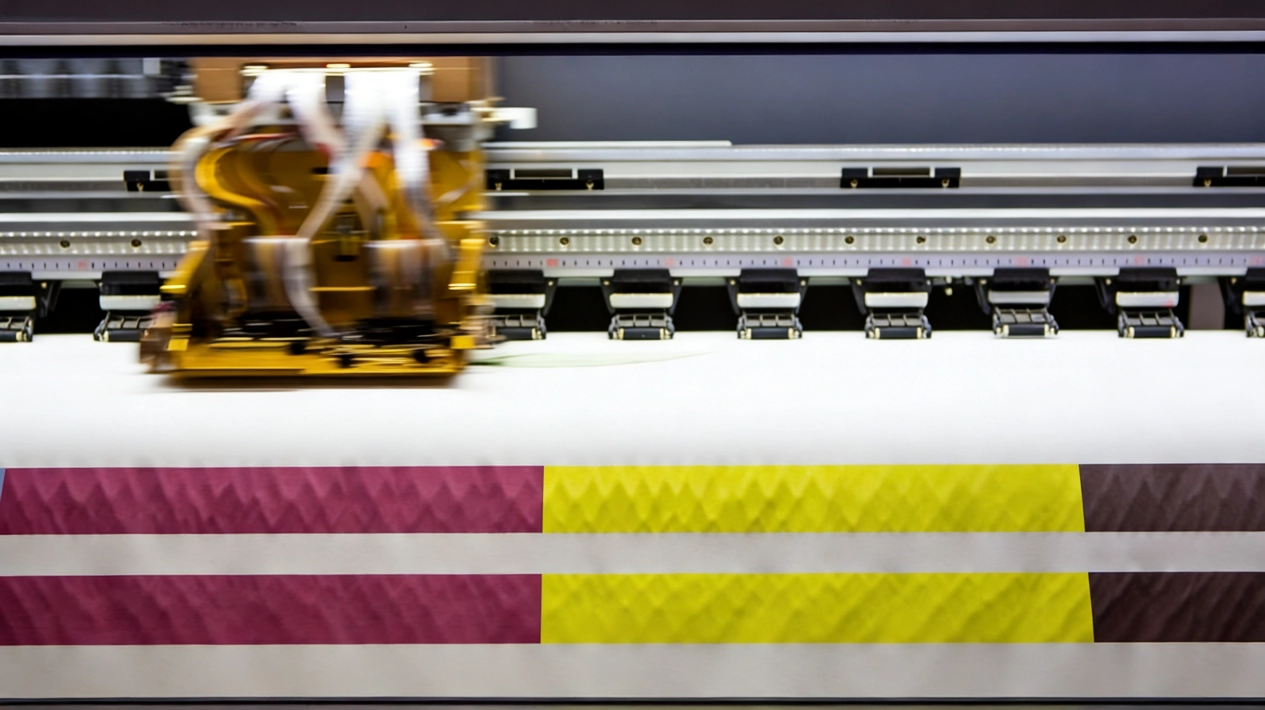 In early 2026, the B2B digital printing industry has been hit hard by fluctuating raw material prices and tighter supply chains. For textile manufacturers and promotional product shops, keeping daily overhead low is a constant battle. One of the biggest silent profit killers on the production floor is wasted liquid. Many business owners mistakenly think that if they want bright, punchy designs, they just have to accept a painfully high sublimation ink cost every month. That simply is not true. Pushing massive amounts of liquid through your printheads does not automatically mean better visual results. In fact, it often leads to bleeding edges, slower drying times, and ruined fabrics. You can absolutely cut down your usage while keeping your final products looking amazing. The secret lies in a smart mix of better software habits, tight daily routines, and matching the right physical materials together. Let’s look at exactly how smart printing businesses are doing this right now.
Why Your Printer Spits Out More Liquid Than Necessary
Before we start applying fixes, we have to find out where the waste actually happens on the factory floor. Most commercial printers arrive from the factory ready to flood the page. Manufacturers design them to push heavy liquid so that colors look acceptable even if the operator makes terrible mistakes with the files. Identifying these traps is the first step.
- Generic Factory Defaults:Out-of-the-box settings do not know if you are printing on a thin polyester shirt or a hard ceramic mug. They just fire a heavy load of liquid to cover all bases. This heavily inflates your daily sublimation ink cost over a busy month of production.
- Wrong Material Pairings:If you print on a paper surface that absorbs too much moisture, the machine has to work twice as hard. The liquid sinks deep into the base instead of sitting beautifully on top waiting for the heat press.
- Aggressive Cleaning Cycles:Every time your machine runs a deep clean, it dumps liquid straight into the waste tank. If your workspace gets too hot or dusty, the printheads clog, forcing the machine to run these expensive cycles more often just to survive the shift.
The Role of a Custom Color Management System
Color management is not just a fancy concept for graphic designers. It is a very real, very practical way to save money directly on the B2B factory floor. When you tell your machine exactly how to mix colors from the start, you stop it from overcompensating and wasting precious liquid.
Creating a Specific Calibration Curve
A standard color profile tries to guess what your final product will look like. Because the dye changes color only after heat is applied, standard profiles usually guess wrong and spray too much. By building a custom sublimation icc profile for your exact printer and fabric combination, the software maps out the exact amount of cyan, magenta, yellow, and black needed. Industry data from busy print shops shows that a tightly calibrated profile can drop waste by 12% to 18% almost immediately. You get exactly the color you want on the first try, which means fewer test prints and less liquid going into the trash bin.
Adjusting Your Software Limits
Your Raster Image Processor (RIP) software has a critical setting called the total ink limit. This controls the absolute maximum amount of liquid the machine is allowed to drop on the page at one time. Many operators leave this at 300% or even 350%, meaning the machine mixes multiple heavy layers of color to make deep blacks. By dropping this limit down to around 220% or 240%, you instantly force the machine to reduce sublimation ink usage. The human eye cannot tell the difference once the heat press does its job. The colors stay rich, but the physical volume of liquid hitting the page drops drastically.
Upgrading Consumables to Stop Wasting Money
You can fix your software settings all you want, but if the physical items you load into the machine are poor quality, you will still lose money every day. The chemical relationship between the liquid and the paper surface is what ultimately defines your actual profit margin per printed item.
Stopping Absorption with Better Coating
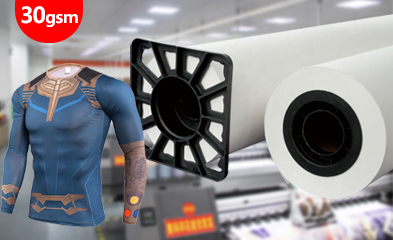
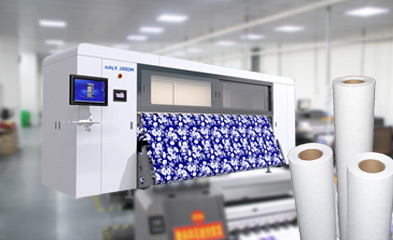
A lot of B2B print shops try to save pennies by buying cheap, uncoated paper. This is a massive mistake that costs dollars later. Cheap paper acts like a sponge. It absorbs the liquid deep into its raw fibers. When you put it under the heat press, a huge chunk of that color stays trapped in the paper. To fix this, you need to buy high transfer paper. Good quality paper has a special micro-porous coating that holds the droplets right on the surface. Because the liquid stays on top, you achieve a remarkably high ink transfer rate. A quality sheet might release 98% of its color onto the fabric, whereas a cheap sheet might only release 70%. When your release is that high, you can tell your software to print lighter. If you want to stop the sponge effect, explore the specialized sublimation paper options from Changfa Digital, built exactly for industrial needs.
The Power of High-Density Dyes
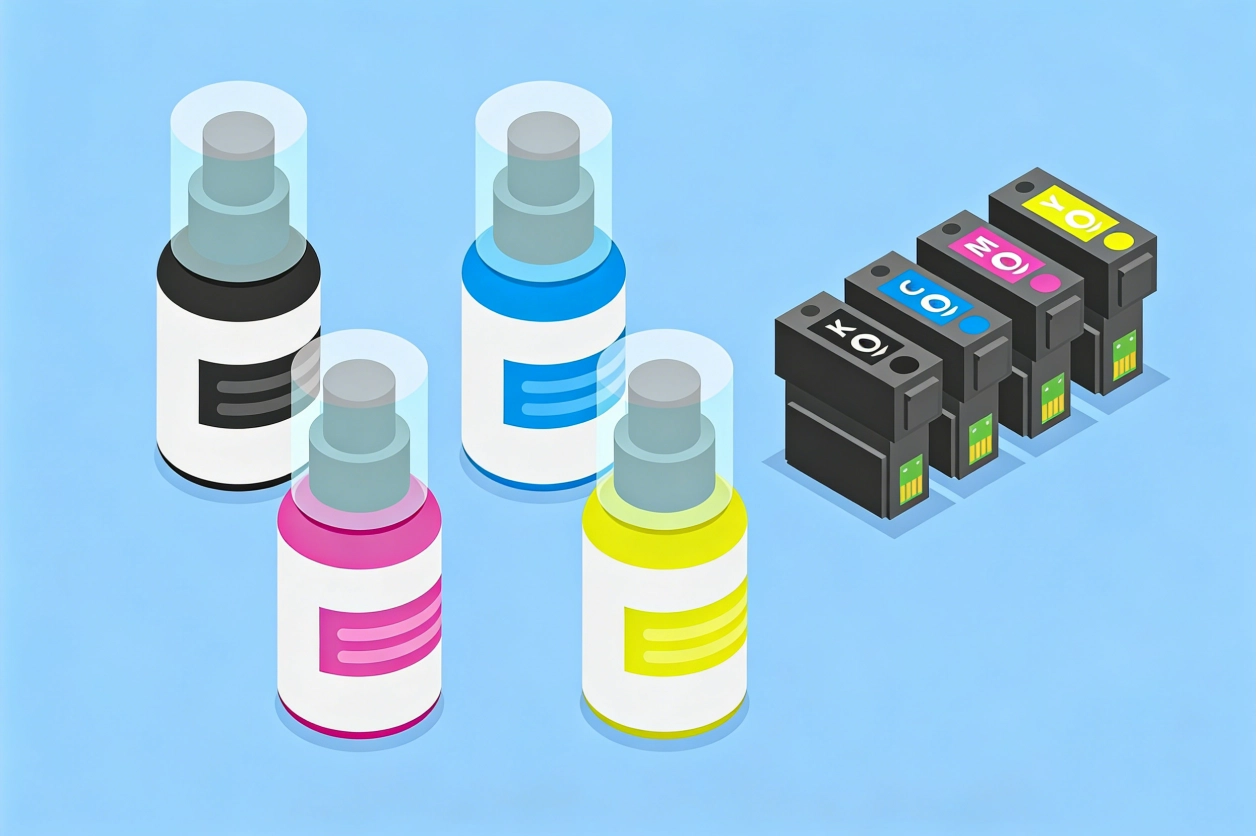
It sounds backward to say that buying a better liquid will lower your bills, but the math proves it is true. Cheaper liquids have a painfully low concentration of active dye. They are basically watered down. To get a solid black or a bright cherry red, the printer has to spray a massive amount of that cheap liquid onto the page. On the other hand, using a highly concentrated, vibrant sublimation ink requires far less volume to hit the exact same color target. Because the dye molecules are so strong, a very light spray gives you a massive pop of color under the heat. You spend a tiny bit more upfront, but you easily reduce ink cost over time because a single liter lasts much longer. You can look into sublimation ink formulations designed for maximum yield and minimum waste.
Practical Daily Habits to Lower Your Running Costs
Upgrading your files and your paper will get you most of the way there. But how your team treats the hardware every single day is the final piece of the puzzle. Small daily habits block waste from creeping back into your workflow and eating your profits.
- Control the Room Environment:Printheads hate dry air. If your factory drops below 45% humidity, the tiny nozzles dry out fast. The machine will then force heavy cleaning cycles to clear them. Keeping the room steadily around 50% to 55% humidity stops this completely and helps you consistently reduce ink cost.
- Batch Your Print Jobs:Every time a commercial printer wakes up from sleep mode, it spits out a little bit of liquid to clear the lines. If you print one shirt, wait two hours, and print another, you throw money away twice. Grouping jobs together means the machine wakes up once and runs steadily.
- Check the Heat Press First:Sometimes operators think a print looks faded, so they turn up the colors in the software. But the real problem was that the heat press was 15 degrees too cold, or the timer was 10 seconds too short. Always check the physical heat press first before you change your software to push more liquid onto the page.
Conclusion
Cutting expenses in a busy printing business does not mean you have to accept dull, washed-out products. By lowering your software limits, building a precise sublimation icc profile, and training your team on smart daily habits, you will see real financial savings. The most critical step is pairing high transfer paper with a concentrated vibrant sublimation ink. When the materials work together, your ink transfer rate goes up, and your waste goes down. It is all about working smarter on the production floor. To see how the right materials can improve your margins, contact Changfa Digital today at 396838165@qq.com and test consumables built for serious production.


