


뜨거운 판매
Phone:+86-15215969856 E-Mail: 396838165@qq.com
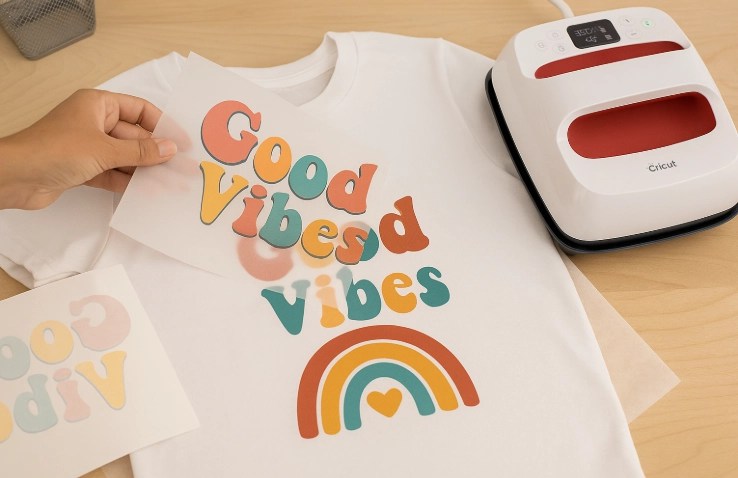
인쇄 가능한 열전달 종이로 훌륭한 결과를 얻는 것은 간단하고 신중한 단계로부터 시작됩니다.직물 색깔과 디자인 유형과 일치하는 종이를 선택하십시오.CMYK 색상으로 작품을 만들고 인쇄하기 전에 반환합니다.종이가 필요한 대로 프린터를 정확히 설정한 다음 프린트가 완전히 건조하기까지 기다리십시오.각 직물에 적합한 열, 힘 및 시간으로 열 프레스를 사용하십시오.전체 표면의 압력도 매우 중요합니다.높은 방 습도나 먼저 직물을 세우는 것을 잊는 것과 같은 일반적인 오류를 Skip.세탁하기 전에 완료된 물건을 하루 전에 휴식하십시오.청소할 때 옷을 내부로 돌려 몇 년 동안 밝은 색상을 유지하십시오.
무엇이 열전달 종이를 인쇄 요구에 적합한 선택으로 만드는가?
올바른 유형의 인쇄 가능한 열전달 종이를 선택하기 전에 프로젝트 목표를 평가해야 합니다.
명확한 프로젝트 계획은 최고의 열전달 종이를 선택하는 데 도움이 됩니다.직물 색깔이 첫 번째 큰 요인으로 서 있기 때문에 가운 피복은 일반 종이와 잘 작동하지만 어두운 피복은 특별한 종이나 여분의 흰색 층이 색깔을 색색색색깔을 색색색색색상으로 만들기 위해 필요합니다.
디자인 세부사항은 또한 선택을 안내합니다.정밀한 선과 부드러운 색깔 변화는 정정정확하게 정정정확하게 잉크를 보유하는 종이가 필요하기 때문에, 이것은 압력 한 후에 모든 작은 부분이 날카로운 것을 유지합니다.
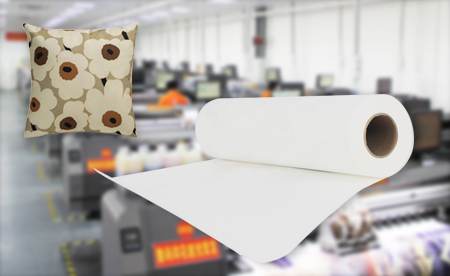
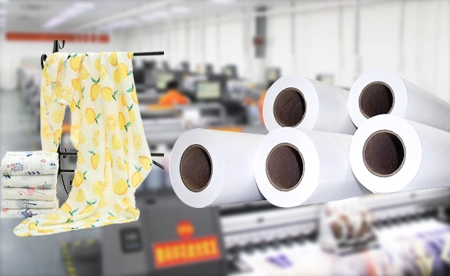
인쇄량도 중요합니다.예를 들어, 대규모 일일 작업은 가리고 빠르게 건조하는 롤로 더 빨리 실행됩니다.같은 문서 30Gsm 비 점착성 승화 열전달 종이 빠른 기계에서 부드럽게 먹이고 긴 실행 중에 평평하게 유지.
표면 질감과 코팅 무게가 최종 결과에 중요한 이유는 무엇입니까?
종이의 무게는 평방미터당 그램으로 측정되면 종종이의 앉아있는 방식과 움직이는 방식이 변합니다.더 무거운 종이는 더 많은 더 더 많은 잉크를 보유하고 안정적이고, 더 가거운 종이는 큰 작업에서 시간과 돈을 절약하는 동안, 일반적인 선택은 29gsm, 35gsm, 40gsm, 50gsm, 60gsm, 70gsm, 90gsm 및 100gsm를 포함합니다.따라서 각 무게는 다른 요구에 맞습니다.
부드러운 종이 표면은 색상을 만듭니다.압박 중에 직물에 완전히 접촉하기 때문에 이 접촉은 압압압박 중에 부드러운 점과 압박한 부분을 중단합니다.
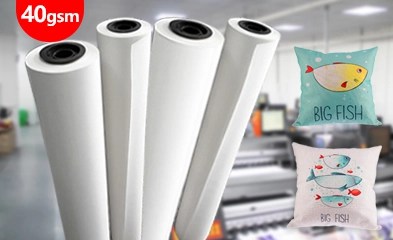
무거운 공장 사용을 위해, CHANGFA 디지털은 같은 종이를 공급합니다 40Gsm 승화 전송 종이이 종이는 강한 잉크 보유 힘과 쉬운 처리를 결합하기 때문에 잘 작동합니다.그 결과 균형은 신중한 작은 실행과 빠른 대규모 주문을 위해 작동합니다.
인쇄하기 전에 작품을 어떻게 준비해야 합니까?
열전달 종이에 정확한 출력을 위해 색상 설정과 해상도를 최적화해야합니다.
진정한 색상은 적절한 파일 설정으로 시작됩니다.따라서 항상 CMYK 모드를 사용하는 것이 좋습니다. CHANGFA 디지털 잉크는 설정이 프린터와 종이와 일치할 때 광범위한 색상 범위와 밝은 결과를 제공합니다.
해상도는 인치 당 최소 300 점에 도달해야합니다.그렇지 않으면, 낮은 숫자는 전송 후 거친 가장자리를 보여줍니다, 특히 큰 셔츠나 배너에.
인쇄하기 전에 항상 작품을 반영하십시오.이것은 디자인이 직물에 압박 될 때 정확하게 지향되어 보이도록 보장합니다.
파일 형식 선택이 인쇄 명확성과 전송 정확성에 영향을 미치는 이유는 무엇입니까?
AI 또는 EPS와 같은 AI 또는 AI AI 또는 AI 또는 EPS와 같은 AI AI 또는 EPS와 같은 AI 또는 AI 또는 EPS와 같은 AI AI 또는 AI AI 또는 EPS와 같은 AI AI AI 또는 EPS 같은 AI AI AI AI AI 또는 AI 또는사진 파일은 고품질의 PNG 또는 TIFF 형식이 필요하며 부드러운 가장자리와 명확한 층을 유지하는 경향이 있습니다.
JPEG 파일은 종종 압축 때문에 세부 사항을 잃고 열 열 단계에서 열열 열 단계 중에 쉽게 JPJPJPEG 파일이 JPJPJPEG 파일이 쉽게 JPJPEG JPEG 파일은 종종종
열전달 종이에 인쇄하는 주요 단계는 무엇입니까?
인쇄 결함을 피하기 위해 프린터 설정을 종이 사양에 맞추어야 합니다.
각 유형의 열전달 종이는 잉크와 다르게 상호 작용하는 독특한 코팅을 가지고 있습니다.이러한 특성과 일치하기 위해 프린터 드라이버를 적절한 미디어 유형으로 설정하는 것이 중요합니다.
무거운 종이는 더 많은 잉크를 걸릴 수 있으며, 가운 종이는 깨끗하게 유지하기 위해 더 낮은 잉크 수준을 필요로 합니다.CHANGFA DIGITAL 잉크는 부드럽게 흐르고 부드러운 점없이 360dpi에서 20 미터를 인쇄합니다.
고속 작업 중에 커링이나 잘못된 정렬을 최소화하기 위해 견고한 피드 시스템이 필요합니다. 특히 CHANGFA의 61cm에서 190cm까지의 광범위한 폭 범위에서 롤을 사용할 때 필요합니다.
압박 시작하기 전에 건조 시간이 이미지 품질에 어떻게 영향을 미치는가?
인쇄된 시트는 인인인쇄 시트는 인인인쇄 시트가 인인쇄 중에 인인인인인인인쇄된 시트는 인인인인쇄 시트가 인인인인인인쇄된 시트는또한, 먼지나 밝은 태양이 열 단계 전에 색상을 손상시킬 수 있기 때문에 건조 공간을 깨끗하고 건조하게 유지해야합니다.
각 직물 유형에 대한 최적의 열 압력 조건을 어떻게 달성합니까?
직물 구성 및 종이 유형에 따라 온도, 압력 및 시간을 교정 해야 합니다.
다른 직물은 열에서 다르게 반응합니다.예를 들어, CHANGFA의 스포츠웨어 재료 (예를 들어, GZP-001에서 GZP-020)와 같은 폴리에스터 직물은 일반적으로 더 낮은 온도가 필요하지만 합성 섬유로 완전히 승화할 수 있도록 더 긴 거주시간이 필요합니다.
인터로크 니트와 같은 더 단단한 직물은 깊은 잉크 침투를 위해 더 높은 압력 수준을 요구합니다.
완전한 생산을 시작하기 전에 항상 스전전치를 테스트 프레스를 시험하십시오. 이것은 플레이틴 온도 일관성과 거주기간을 포함하여 설정에 특정 매개 변수를 정교화할 수 있습니다.
플레이틴 정렬과 압력 분포가 최종 출력 품질에 영향을 미치는 이유는 무엇입니까?
불균등한 플레이틴 표면이나 부분적인 전송이나 특특히 대형 인쇄의 경우 부분적인 가장자리를 가져올 수 있습니다. 따라서 열 프레스가 전체 표면 면적에 걸쳐 평평하도록 보장하는 것이 필수적입니다.
레벨 플레이트와 안정적인 힘은 전체 인쇄에서 동일한 결과를 제공합니다. 183cm 이상의 넓은 직물은 완벽한 균형을 필요로합니다.
열전달 종이를 사용할 때 피해야 할 일반적인 실수는 무엇입니까?
전송 무결성을 손상시킬 수 있는 환경 요인을 무시할 수 있습니다.
높은 습도는 종이의 변형을 일으킬 수 있으며, 열 압박 중에 나쁜 접촉을 일으킬 수 있습니다.종이를 기후 제어 환경에서 원래 포장에 평평하게 보관하여 무결성을 유지하십시오.
사용되지 않은 시트를 최적의 표면 상태를 유지하기 위해 최최밀된 포장에 평평평하게 보관하십시오. 이것은 코팅 성능을 보존하고 전송 전에 오염을 방지하는 데 도움이 됩니다.
왜 사전 처리 단계를 Skipping 특정 기판에 낮은 결과를 가져옵니까?
새로운 옷은 인크가 섬유에 들어오지 않도록 막을 수 있는 크기 화학 물질을 가지고 있지만 사전 세탁은 문제를 제거하기 위해 사용할 수 있습니다.이것은 특히 면 폴리 혼합물 또는 처리된 폴리에스테르에 관한 것입니다.
압박하기 바로 전에 직물을 미리 가열하는 것이 중요합니다. 왜냐하면 압력 하에서 증기 거품을 형성할 수 있는 잔류 물을 줄일 수 있기 때문에 유령이나 불완전한 전송의 또 다른 원천입니다.
어떻게 신청 후 이전된 디자인의 수명을 연장할 수 있습니까?
각 직물 유형에 맞게 적절한 이동 후 관리 지침을 따르십시오.
첫 번째 세탁 전에 압력 한 후 하루 전체를 기다리는 것이 좋습니다. 이것은 휴식 시간이 피복 깊은 안에 색상을 잠금하기 때문입니다.세탁 방지 레벨 4-5은 규칙을 따르면 강한 지속력을 보여줍니다.
안쪽을 안안쪽으로 안안쪽 밖으로 안안쪽 안쪽을 안안쪽으로 안안쪽 밖으로 안안쪽 밖으로 안쪽 안쪽을 안안쪽으로그렇지 않으면 뜨거운 건조기는 시간이 지남에 따라 사진을 그그릴 수 있습니다.
왜 전송 후 재가열이 때로는 내구성과 활기를 향상시킬 수 있습니까?
냉각 후 짧은 두 번째 프레스는 색상이 정착하는 데 도움이 됩니다.공장은 종종 추가 강도와 빛을 위해 이 단계를 추가합니다.
빠른 재가열은 첫 번째 프레스에서 작은 불균일한 점을 수정합니다.
전문적인 결과를 제공하는 신뢰할 수 있는 인쇄 가능한 열전달 종이를 어디서 찾을 수 있습니까?
다른 gsm 옵션에서 일관된 품질을 제공하는 공급자를 선택하는 가치가 있습니다.
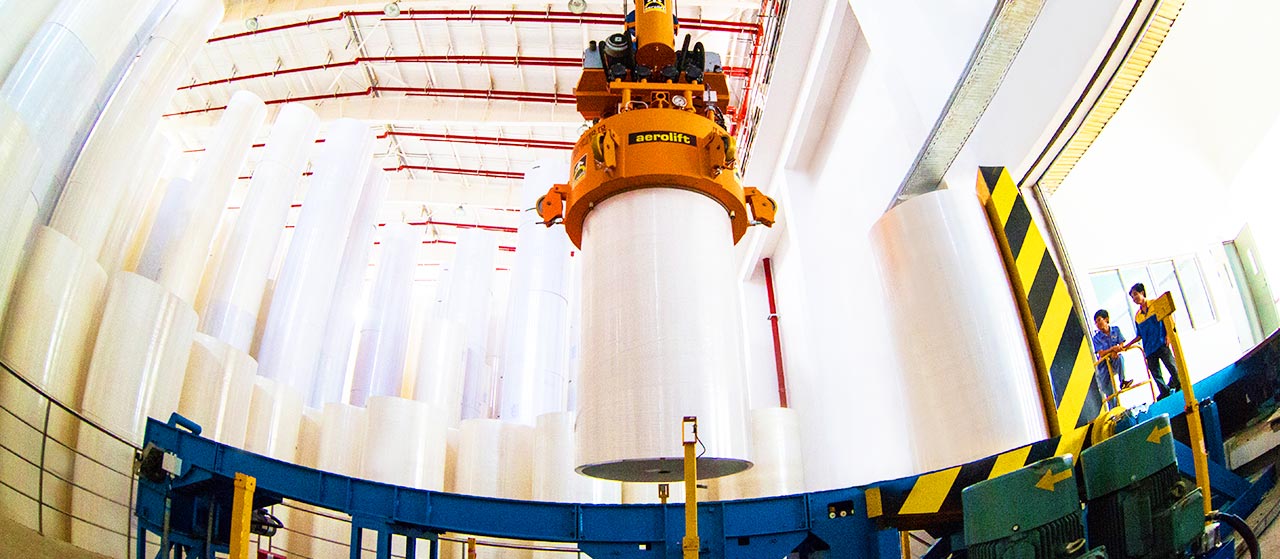
CHANGFA DIGITAL은 원료에서 완료된 롤까지 모든 단계를 제어합니다.이 완전한 제어는 모든 상자에서 품질을 동일하게 유지합니다.
매달 생산량은 3000 톤에 도달합니다.안정적인 공급은 지연없이 작고 거대한 주문을 충족합니다.
왜 제품 다양성은 다른 인쇄 환경에서 확장성을 지원합니까?
서로 다른 작업은 서로 다른 종이 무게를 필요로 합니다.CHANGFA DIGITAL은 29gsm에서 100gsm까지 선택할 수 있습니다.작은 가게와 거대한 공장은 모두 적합한 일치를 찾습니다.
롤은 많은 길이에서 최대 190cm의 폭에 도달합니다.시트 또는 롤 프린터 이 종이들과 함께 모두 원활하게 작동합니다.
FAQ는
Q: 모든 종류의 열전달 종이에 동일한 열 압축기 설정을 사용할 수 있습니까?
A: 아니요. 각 종이 무게와 직물 유형은 자신의 열, 시간 및 압력을 필요로합니다.항상 제작자 가이드를 확인하십시오.
Q: 승화 열전달 종이를 위한 특별한 프린터가 필요합니까?
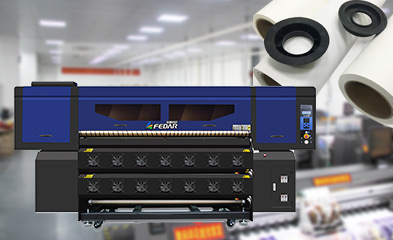
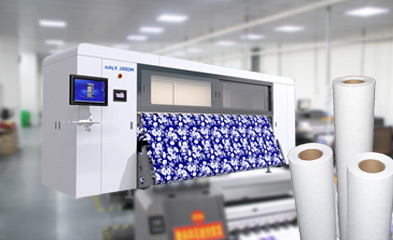
A: 예.승화 잉크를 가진 프린터만 올바른 색상과 강한 결합을 제공합니다.
Q: 점착성 및 비 점착성 승화 종이의 차이점은 무엇입니까?
A: A: A A: A A: A A A: A A A: A A A A: A A A A: A A A A: A A A A A: A A A A A A A A A A A A A A A A A A ANon-sticky 종이는 롤 기계에서 더 빠르게 공급됩니다.


