


HOT SALE
APPLICATION
Phone:+86-15215969856 E-Mail: 396838165@qq.com
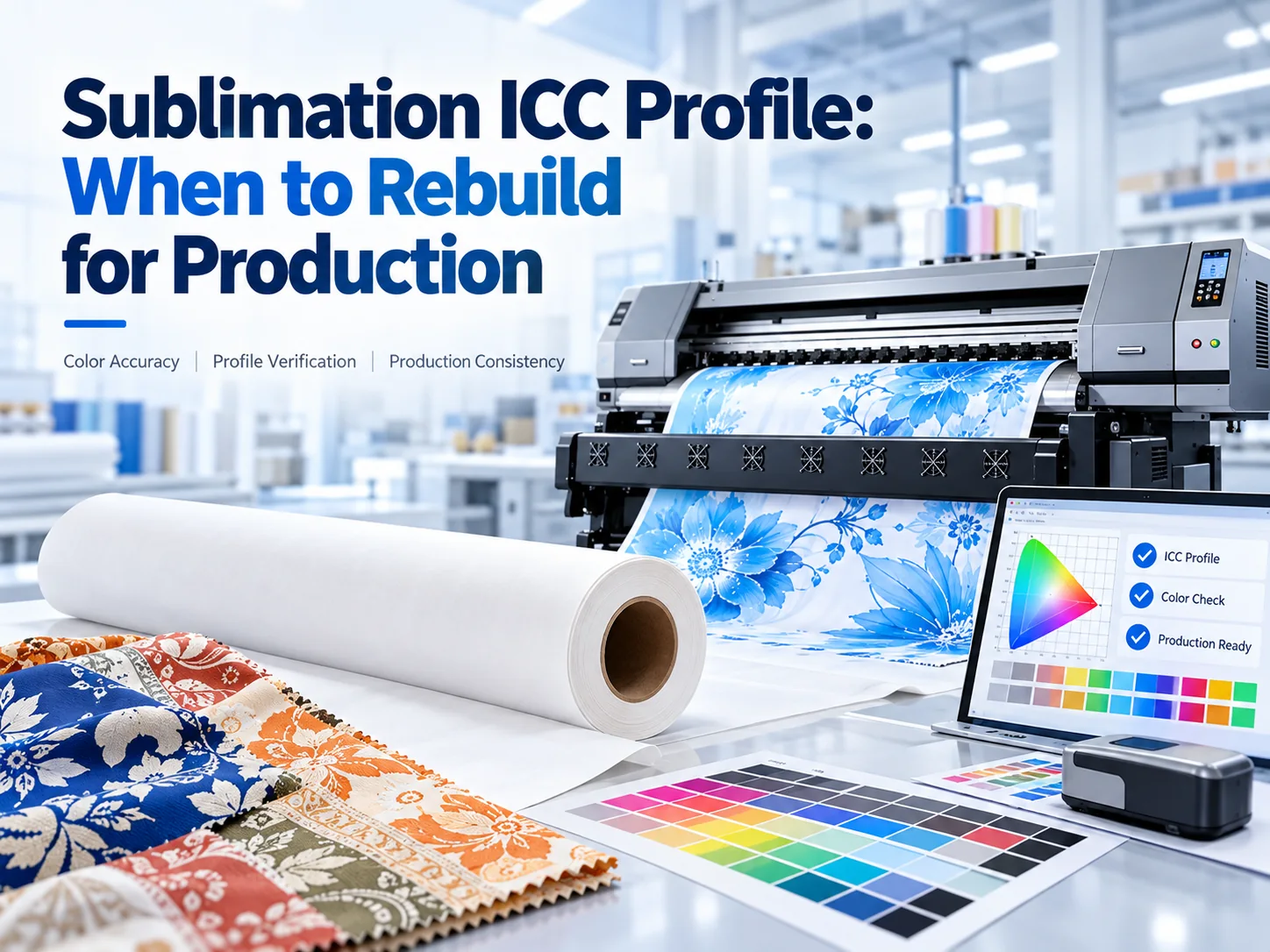
A profile changes color mapping; it does not replace a stable printer, ink supply or transfer process. Revalidate when the printer, printhead, ink, paper, fabric or transfer condition changes enough that the approved target can no longer be reached. Confirm nozzle and ink-delivery stability first, then print the target on the actual combination, verify the transferred result and record the approved version. Changfa Digital equipment and materials provide the production references for that decision.
What Can an ICC Profile Fix, and What Must Be Stable First?
Define What the Profile Actually Changes Between Devices
An ICC profile describes how color values should be interpreted between a source, a printer and a substrate. It compensates for the color response of a defined printing combination; it does not change the physical condition of the printer or ink. If nozzles are missing, ink delivery is unstable or transfer is inconsistent, the profile cannot produce a repeatable result.
Treat Printer, Ink, Paper, Fabric and Transfer as One Combination
The profile belongs to one production combination, not to a printer model alone. Ink chemistry, paper coating, fabric surface, transfer temperature, pressure and time can change the result. Record the exact Sublimation Printer, Sublimation Ink and Sublimation Paper references before deciding that an existing profile is still valid.
Distinguish a Stock Profile From a Combination-Specific Custom Profile
A stock profile may be a useful starting point when it was built for the same printer, ink, paper and substrate combination. A custom profile is measured for a narrower set of conditions. Neither is universal. A profile that performs well on one paper, fabric or transfer setup does not automatically carry over to another.
Restore Nozzle and Ink-Delivery Stability Before Adjusting Color
Check the nozzle pattern, ink path, dampers, tubing, cartridge seating and cleaning routine before changing color settings. A profile adjustment made while the printer is unstable can hide a mechanical problem and make the next comparison unreliable.
Treat the Color Chart as a Measurement Tool, Not a Universal Fix
A color chart is a controlled target used to measure or create a profile for a specific combination. Printing a chart does not make the profile correct by itself. The chart must be printed through the intended workflow, measured or compared under controlled conditions, and transferred to the actual material before the result can support a production decision.
Which Production Changes Require Profile Review?
Ink Series, Batch, Supplier or Package Change
A different ink series, batch, supplier or package can change color response and flow. Review the profile when the new material changes the measured target or the approved production sample. Keep the old and new batch identities in the record so a colour difference can be traced to the correct variable.
Paper Coating, GSM or Roll Change
Paper coating, weight and roll construction can change ink absorption, dot formation and transfer behaviour. A paper change may require a new target even when the printer and ink remain the same.
Fabric Composition, Surface or Finish Change
Fabric composition, weave, surface treatment and finish affect how the transferred color appears. A profile built for one textile may not represent another. Test the actual fabric and keep the approved sample with the production record.
Printer, Printhead, RIP or Transfer Equipment Change
A changed printer, printhead, RIP, transfer press or transfer setting can invalidate the color reference. The profile is tied to the complete path, not just the printer model. Reconfirm the device settings and the transfer condition before deciding whether the existing profile can be adjusted or must be rebuilt.
Maintenance That Alters Printhead or Ink Delivery
Maintenance can change the printer even when the ink and materials stay the same. A new printhead, replaced damper, changed tubing, different cleaning procedure or altered ink supply can shift flow and color.
How Should a Profile Be Built for a Production Combination?
Lock the Device and Material Reference Before Profiling
Lock the printer, printhead, ink, paper, fabric, transfer equipment and software references before profiling. The profile must describe a known combination, not a changing production line. Record the references with the profile version so the next operator can tell whether the same conditions still apply.
Confirm the Software and RIP Use the Intended Color-Managed Path
Confirm that the software and RIP are using the intended profile and output settings. A profile installed but not selected, or applied in the wrong color-management path, cannot be judged fairly.
Print the Color Target Under Real Production Conditions
Print the target under conditions that match normal production. Use the same printer state, ink path, paper and settings that will be used for the order. A target printed after a special setup may describe a condition that production cannot repeat.
Transfer to the Actual Fabric Before Final Evaluation
Evaluate the profile after transfer to the actual fabric, not only on the printed paper. Transfer changes density, contrast and surface appearance.
Keep Mechanical and Material Faults Out of the Profile Decision
Do not use a profile change to compensate for a blocked nozzle, unstable ink supply, damaged paper or inconsistent transfer. Those faults change the physical result and should be corrected first.
How Should a New Profile Be Verified Before Bulk Production?
Compare Grays, Gradients, Dark Areas and Saturated Colors
Compare neutral grays, gradients, dark areas and saturated colors against the approved target. These regions expose different failure modes: neutral shifts, banding, blocked shadows or oversaturated color. Review them after transfer on the actual fabric, because a paper-only check can miss the final result.
Check the Beginning, Middle and End of a Production Run
Check the beginning, middle and end of a production run to see whether the result changes over time. A profile that passes at the start but drifts later may be masking a flow or temperature problem.
Compare the New Profile With the Last Approved Sample
Compare the new profile with the last approved sample under the same viewing conditions. The question is whether the new result is stable and acceptable for the order, not whether it looks different for its own sake.
Confirm That Cleaning Is Not Masking a Color Problem
If repeated cleaning is required to maintain color, the printer or ink path may not be stable. Record cleaning frequency and the result before and after cleaning. A profile should be evaluated after normal recovery, not after an unusual intervention that production cannot repeat.
Approve Only After the Fabric Result Is Repeatable
Approve the profile only after the transferred fabric result is repeatable across the defined run. Repeat the test with the same combination, or the closest production equivalent, and confirm that the result does not depend on one exceptional print. Record the approval and the conditions that must remain unchanged.
How Should Profiles Be Documented and Controlled?
Name the Profile by Device, Ink, Paper, Fabric and Transfer Condition
Name the profile so it identifies the device, ink, paper, fabric and transfer condition it represents. A generic filename such as “new profile” cannot tell the next operator whether it applies to the current order.
Record Profile Version, Software/RIP Settings and Approval Sample
Record the profile version, software or RIP settings, test date, material references and approval sample. The record should show which profile was active when the sample was approved. If any setting changes, the profile may need review even when the file itself has not changed.
Keep Old Profiles Available Only for Known Orders
Keep old profiles only where they remain relevant to a known order or an existing production combination. An old profile can be useful for repeat work, but it should not remain available as a general default after the underlying combination changes.
Retire Profiles When the Underlying Combination Changes
Retire or revalidate a profile when the printer, printhead, ink, paper, fabric, RIP or transfer condition changes enough to affect the result. Retiring a profile is a control action, not a comment on its quality.
Make the Active Profile Visible to the Production Team
Make the active profile and its required settings visible at the point of production. The operator should be able to confirm the correct profile, material and transfer condition without searching through old files.
When Should a Print Shop Rebuild Instead of Adjust?
Adjust Only Within the Controlled Profile’s Valid Range
Small adjustments can be acceptable when they stay within the validated range and the underlying combination is unchanged. Record the adjustment and verify the transferred result before extending it to a full order.
Rebuild When the Target Cannot Be Reached Without Distortion
Rebuild the profile when the approved target cannot be reached without clipping, colour distortion or unstable corrections. A profile that requires extreme adjustment may be outside the combination it was built for. Reconfirm the physical process and material references before starting the new target.
Rebuild When the Material or Equipment Combination Changes
Rebuild when the ink, paper, fabric or transfer equipment changes enough to create a new production combination. A new profile is the honest response when the old reference no longer describes the printed result. Keep the old sample and record why the new version was created.
Escalate When the Printer or Ink Path Is Not Stable
Escalate when the printer or ink path cannot hold a stable nozzle pattern or flow. Profile work should wait until the mechanical condition is corrected, because a profile cannot make an unstable process repeatable.
Define the Next Production Action From the Verification Result
Choose the next action from the verification result: keep the approved profile, adjust within the controlled range, build a new profile, or stop production for maintenance. Record the reason and the next review point. When color drifts after an ink, material, printhead or RIP change, share the press condition, ink series and batch, paper, fabric, active profile version, RIP settings and transfer setup; the review should resolve that exact production combination.
Conclusion
A profile must be rebuilt or revalidated when a production change invalidates the color reference, or when the approved target can no longer be reached without distortion. Confirm nozzle and ink-delivery stability first, then print the target on the actual printer, ink, paper, fabric and transfer combination, verify the transferred result against the last approved sample, and record the profile version production is allowed to use. A profile describes a stable combination; it does not make an unstable process consistent or extend beyond the combination it was built for.
FAQs
Q1: How should production continue while a replacement profile is being approved?
A1: Keep the last approved profile for orders that still match its recorded combination. Use a controlled trial for the new condition, keep the material identified, and do not release a bulk run until the transferred result is repeatable and approved.
Q2: What should the retirement record contain so old orders remain traceable?
A2: Record the retired profile version, the printer, ink, paper, fabric, RIP and transfer combination it described, the last approved sample, the replacement or revalidation status, affected order references, effective date and approver. Keep the record with the old profile so repeat work can be checked without reactivating an obsolete profile by mistake.
Q3: Why can the same material lot produce different results across presses?
A3: The presses can differ in printhead condition, ink path, RIP settings, transfer equipment or maintenance state even when the material lot is the same. Record the full combination before deciding that the lot or the profile is the cause.


